Use web-based CWR to create activities that allow students to think critically and discern credible from non-credible information.
CWR
 How Can CWR Help Your Students?
 Why CWR?
Well into the information age, we have access to colossal amounts of multimodal information in the online space. Often as we skim through online information, clicking on link after link, we rarely take the time to pause and gather our thoughts, to critically analyse the information that we see.
Guided only by our intuitions, emotions, or biases we engage in what Kahneman (2011) calls fast thinking instead of slow thinking, that which is careful, critical, deliberate and disciplined.
In the context of classroom teaching and learning, imagine if standards and models for thinking could be nurtured in our students? This is exactly what the Critical Web Reader has to offer.
The CWR enables students to:
It enables teachers to:
- integrate Internet in classrooms
- organise & manage instruction
- scaffold student learning
- assess student work
- share resources with colleagues
 How Does CWR Work?
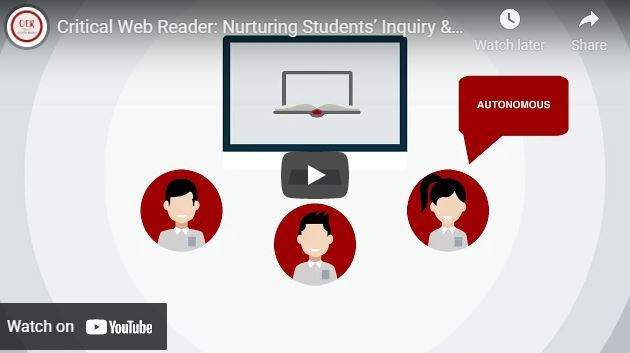
The Critical Web Reader web-based tool is an interactive learning frame that facilitates the use of real-world online material as a teaching resource.
Customising and managing CWR activities
Using the CWR web-based tool, teachers create customised CWR activities that frame the way students read and evaluate teacher-selected information on the Internet. Within the CWR is a teacher dashboard that helps teachers manage classes, activities and CWR lenses. The dashboard also facilitates easy sharing of CWR activities with other teachers in the CWR community.
CWR lenses
CWR lenses are learning scaffolds for teachers to shape CWR activities. A lens includes guiding questions, tips, and suggestions.
Teachers have the option of selecting standard lenses or customized lenses either self-created or created by peers in the CWR community (see Image 1: Standard and Customised Lenses). The lenses allow teachers to address critical reading skills and analysis skills, as well as develop literacy skills and conceptual understanding in their students.
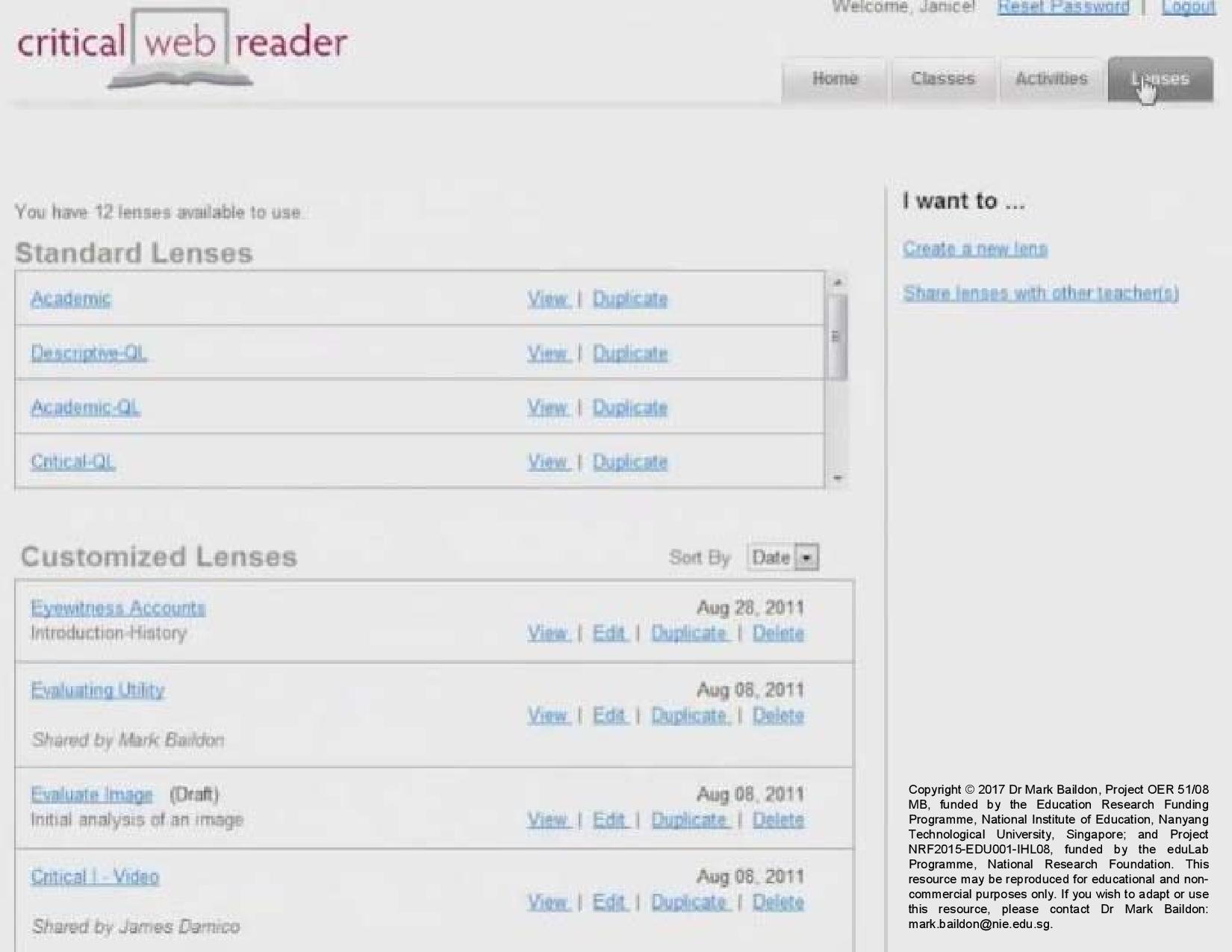
Image 1: Standard and Customised Lenses
In the “Reader notes” section, students can input their responses to document and make their thinking visible. Through the CWR lenses, students work individually, in pairs, or in groups on activities in class or remotely from home.
Because of its versatility, CWR can be integrated into classroom activities and be used in a range of subject areas, such as Language Arts, Social Studies, Math or Science etc.
 Evidence from CWR Research
 How did students respond?

 How did teachers respond?
- Teachers selected increasingly complex online sources over time.
- Teachers’ skills at designing CWR scaffolds for students to evaluate and analyse sources improved as well.
- Teachers used CWR for procedural scaffolding (a typical approach used in Singapore classrooms) of source-based skills.
How Can Teachers Get Started?
- If you are interested to use CWR with your students, contact Principal Investigator Dr Mark Baildon.
- To learn more about CWR, view the CWR Tutorials!
 Related Links
Research Projects
The following projects are associated with the Critical Web Reader research:
 Research Team
To learn more about CWR, please contact the Principal Investigator A/P Mark Baildon at mark.baildon@nie.edu.sg.
Principal Investigator
Co-Principal Investigator
Key Collaborator
 Acknowledgments
This research on Critical Web Reader was funded by Singapore Ministry of Education (MOE) under the Education Research Funding Programme (OER 32/08 TTL & OER 22/12 TTL), Singapore National Research Foundation (NRF) under the eduLab Programme (NRF2015-EDU001-IHL08) and administered by National Institute of Education (NIE), Nanyang Technological University, Singapore. Any opinions, findings, and conclusions or recommendations expressed in this material are those of the author(s) and do not necessarily reflect the views of the Singapore MOE, Singapore NRF and NIE.
This knowledge resource was written by Ms Tan Giam Hwee in December 2018; updated by Ms Monica Lim and Mr Jared Martens Wong on 4 January 2022.